---
updatedAt: 2025-11-11T03:30:03.000Z
agentTools:
projectIndex: https://beamable2.readme.io/llms.txt
---
# Beam Library
A collection of Beamable LightBeams
The Beam Library is a collection of package samples and prefabs to help get you started learning the Unity SDK. To open the Beam Library, click on the Beamable Button (at the top-right of the Unity window), and select *Beam Library*.
Select "Open Beam Library" from the *Beamable Button*
Now the *Beam Library* should be open.
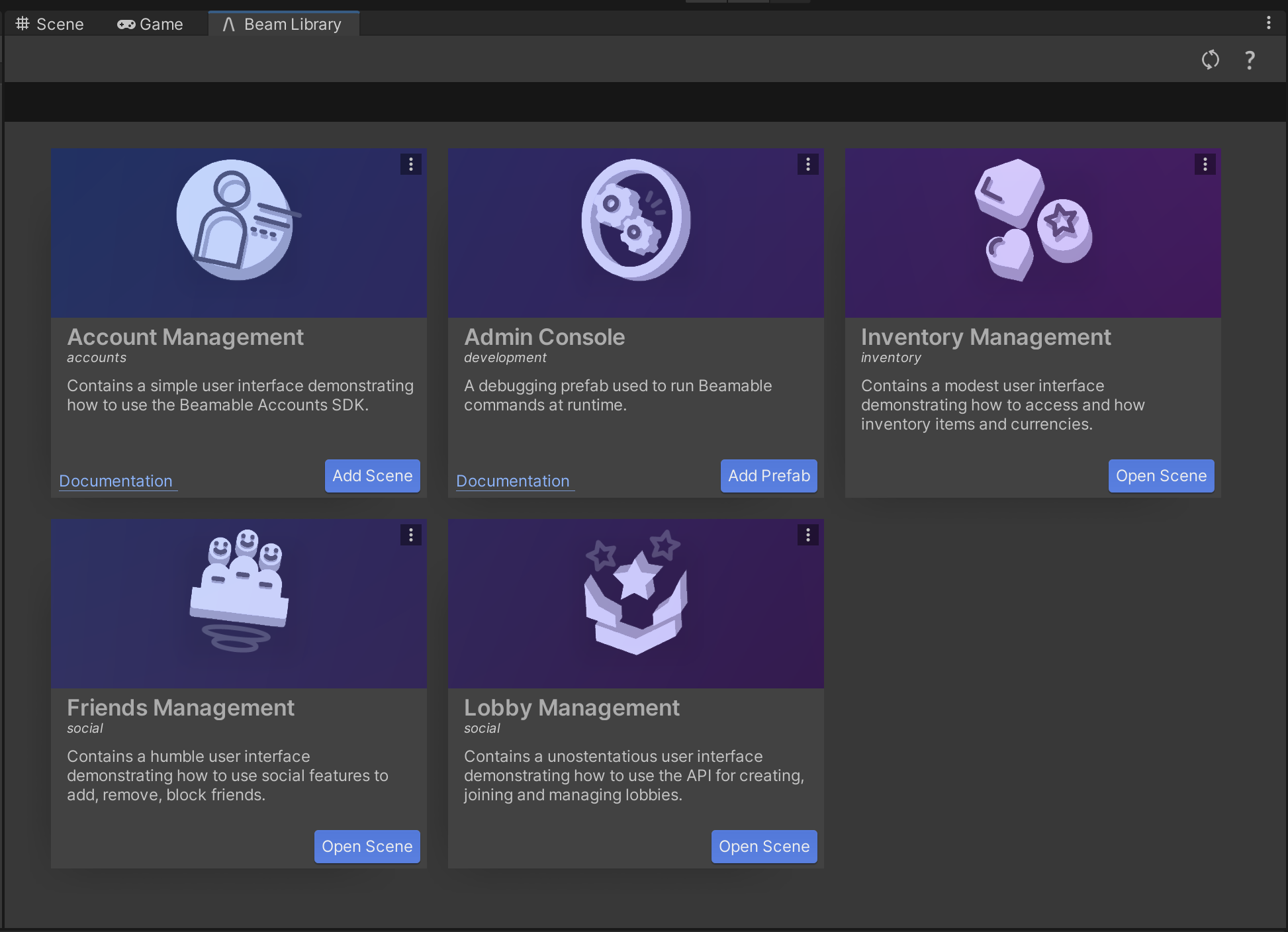
Each card represents a Package Sample. When you click the "Open Scene" button, a Beamable sample will be added to your assets folder under `Assets/Samples/Beamable`.