
Stores - Prefab
Allow player to shop [ECON-Stores-Prefab]
Overview
This guide includes everything needed to use the Store Flow Feature Prefab in the "Beamable SDK for Unity". Or watch this video.
The purpose of this feature is to allow the player to shop for in-game items.
Offer a built-in store experience for players to buy in-game items with real-world currencies and virtual currencies.
A common use case for the feature is covered in the guides.
Related Guides
- See Stores - Guide for more info
The User Interface
When set up properly, the player's user interface in the game project will be as follows:
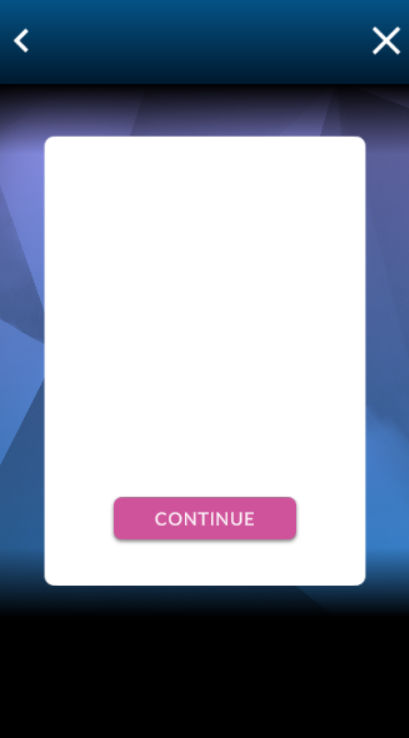
The Beamable "Store Flow" UI in the Unity Game Window
Beamable High-Level Data Concepts
Steps
Follow these steps to get started:
Step | Detail |
|---|---|
| • Unity → Window → Beamable → Open Beamable Toolbox |
| • Drag this Prefab from the Beamable Toolbox Window to the Unity Hierarchy Window |
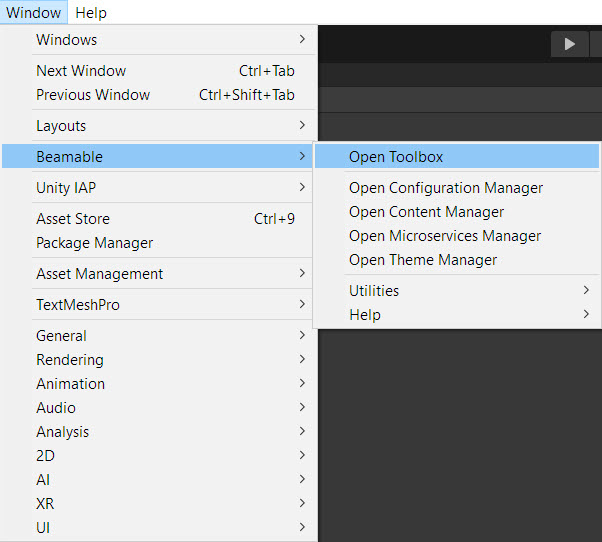
The “Beamable” Menu
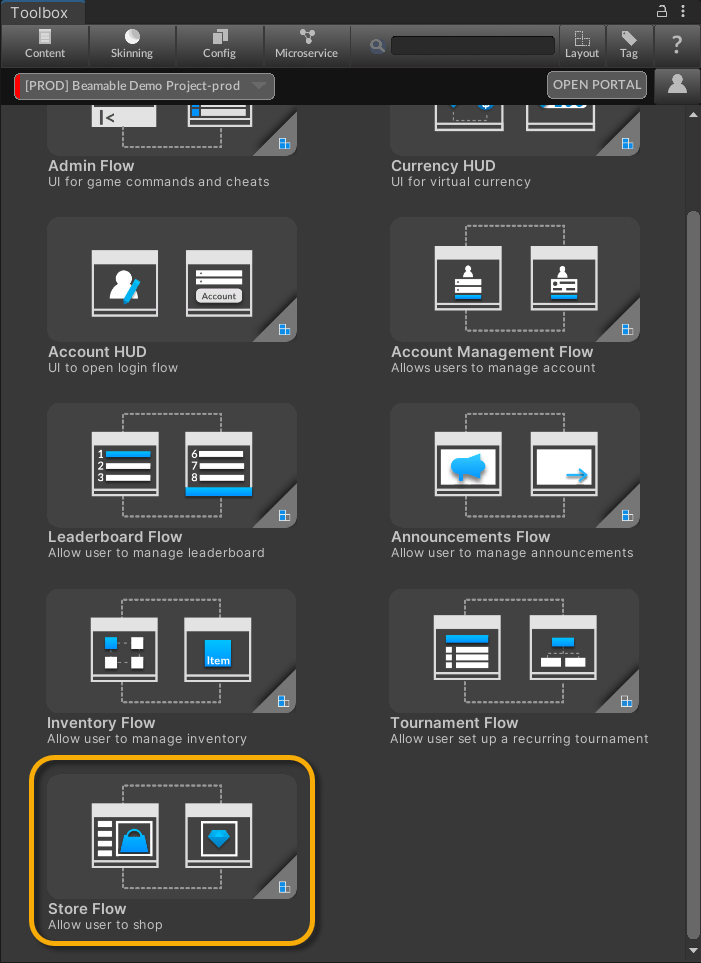
The Beamable "Store Flow" in the Beamable Toolbox Window
Updated 5 months ago